
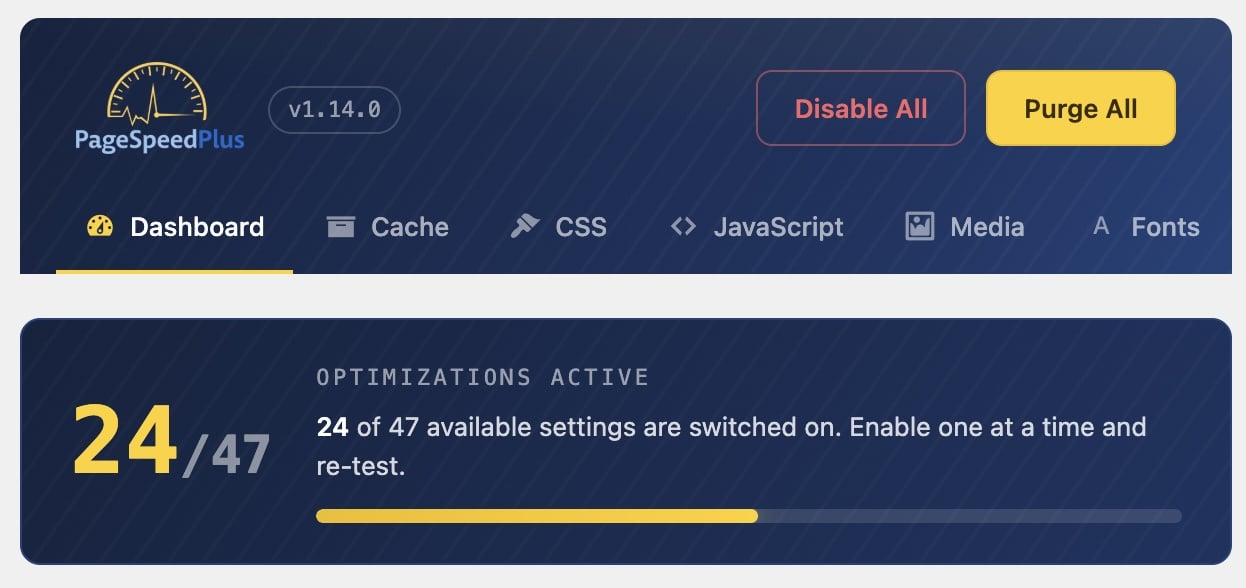
A full performance suite: page caching, CSS/JS optimization, delayed JavaScript, lazy loading, WebP/AVIF and self-hosted fonts, paired with the real-user Core Web Vitals monitoring you already get from PageSpeed Plus. Optimize and measure in one place.
Available inside your PageSpeed Plus dashboard. Free to start, no credit card required.
A clean, no-nonsense admin built for results, not a maze of settings.
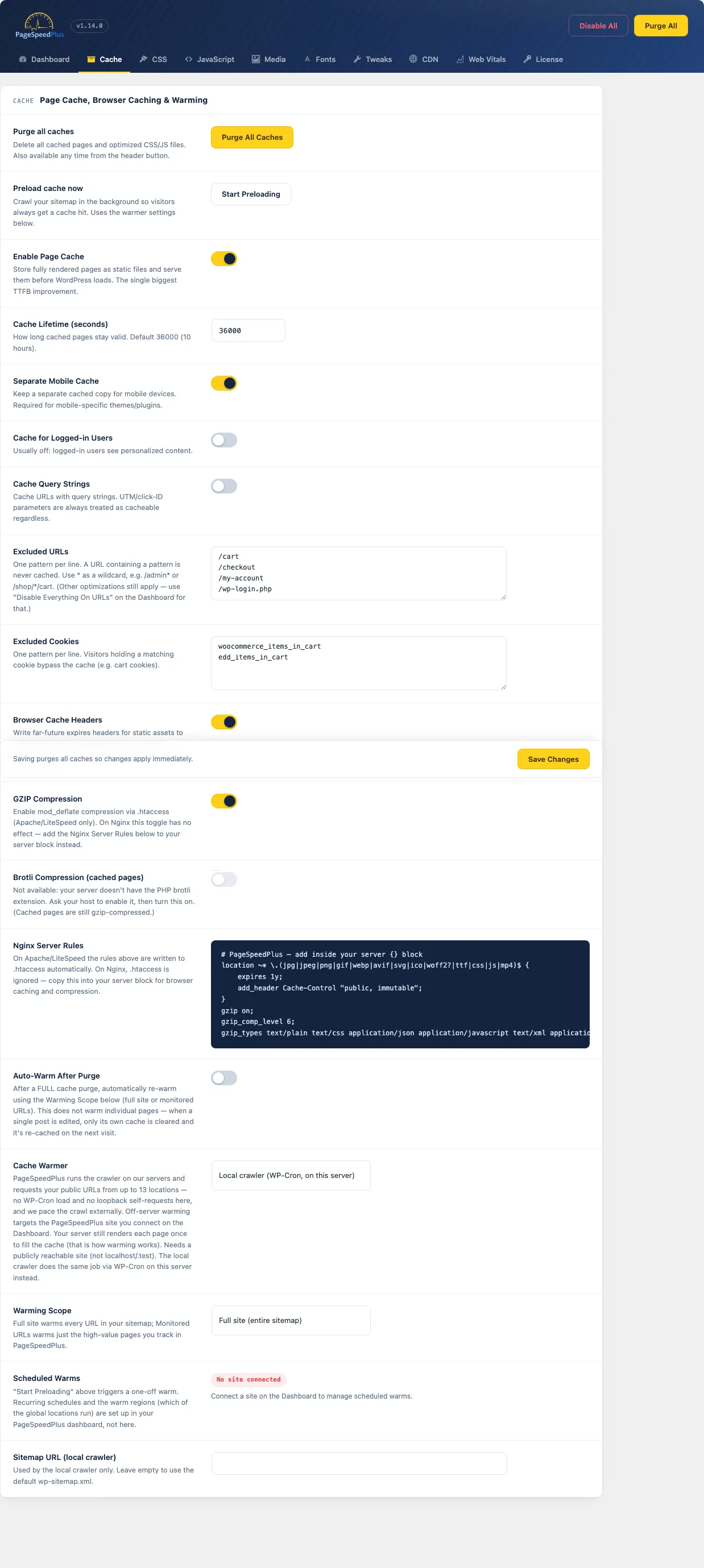
Page cache, Gzip + Brotli, browser-cache rules, and off-server cache warming from up to 13 global locations.
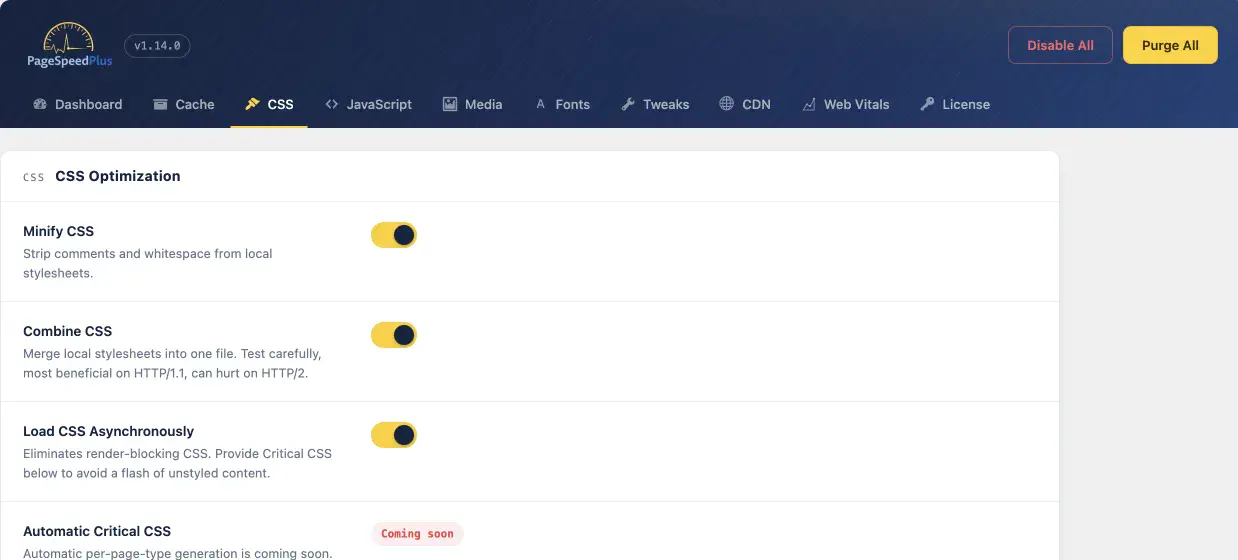
Minify, combine and async-load CSS, with content-visibility to skip rendering off-screen sections on first paint.
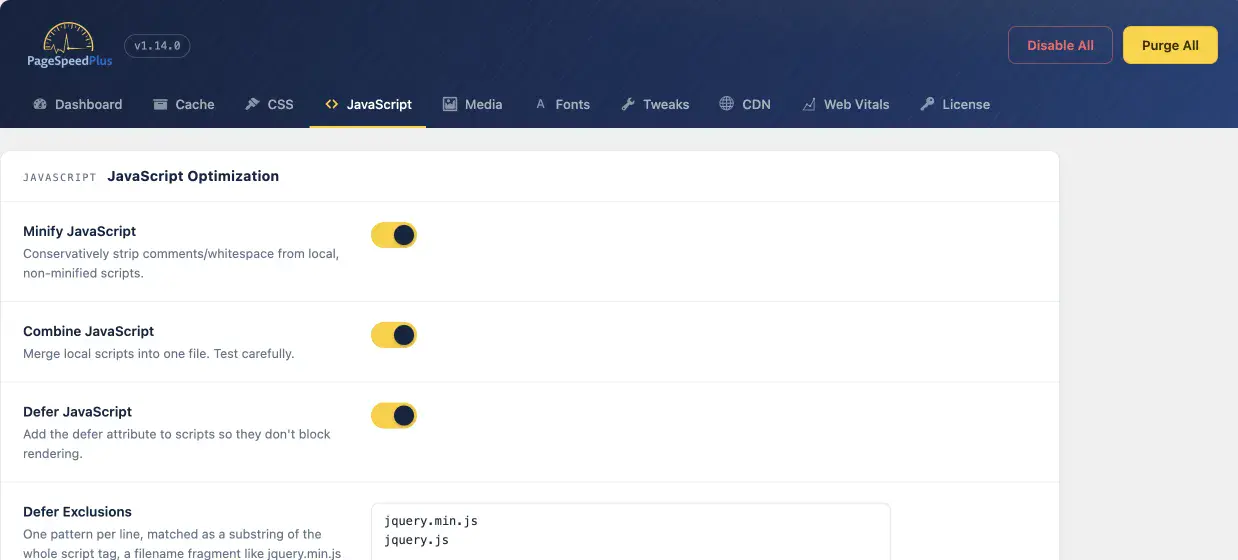
Delay JavaScript until interaction, the biggest Total Blocking Time win, plus defer, minify and combine with safe exclusions.
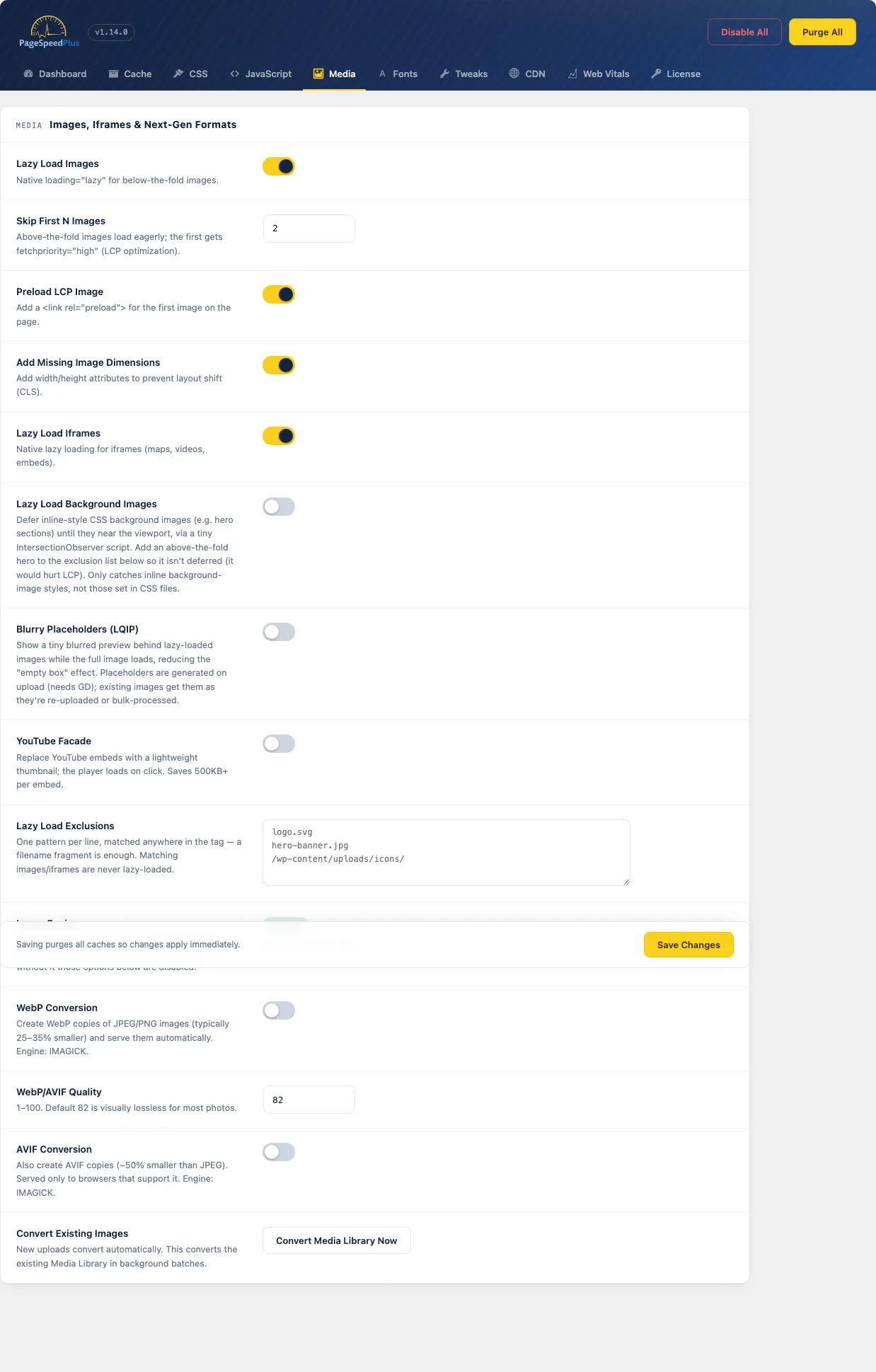
Detects your server's image engine, converts to WebP/AVIF, lazy-loads with LCP awareness and adds blurry placeholders.
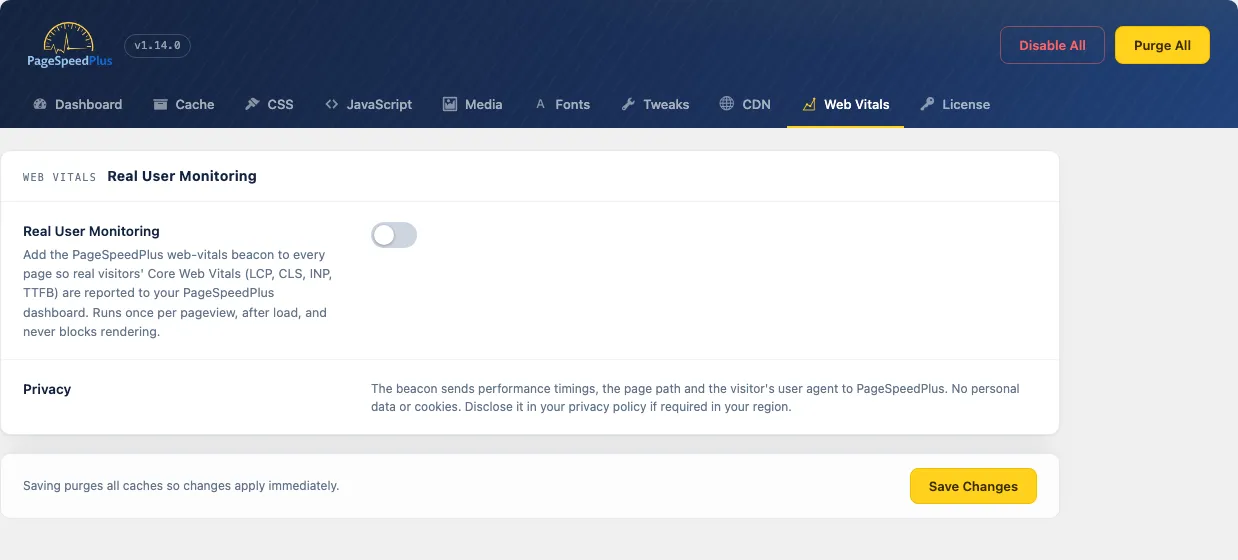
One toggle adds the Web Vitals beacon to every page, streaming LCP, CLS, INP and TTFB to your dashboard.
A typical WordPress site, before and after switching PageSpeed Plus on.
Sign up for PageSpeed Plus and open your dashboard. The plugin download lives there, not on the public site.
In WordPress: Plugins → Add New → Upload Plugin, choose the zip, Install, then Activate.
Paste your API key on the License tab and pick the site this install maps to. Safe defaults turn on automatically.
Enable Defer/Delay JavaScript and other options one at a time, re-testing after each. Updates install automatically.
A complete reference to what PageSpeed Plus gives you. Every option is optional and reversible. Append ?psp_nooptimize=1 to any URL to bypass everything while debugging.
It's included with your PageSpeed Plus account. Create a free account to download it; the same key powers cache warming, monitoring and automatic updates.
The plugin is distributed through your dashboard so it stays tied to your account for licensing, updates and support. Sign in (or sign up free) and it's waiting for you.
Yes. Page caching and every optimization work on any server. Browser-cache and Gzip rules are written to .htaccess on Apache/LiteSpeed; on Nginx the plugin shows the exact server-block rules to copy.
Yes. Cart, checkout and account pages are excluded from the cache automatically, as are visitors with items in their cart.
Run only one page-caching plugin at a time. PageSpeed Plus won't overwrite another plugin's advanced-cache drop-in.
Updates appear right inside WordPress, like any plugin. Your connected account delivers them automatically.